PhantomWatch · Planned with every paid module
See where your Mac connects.
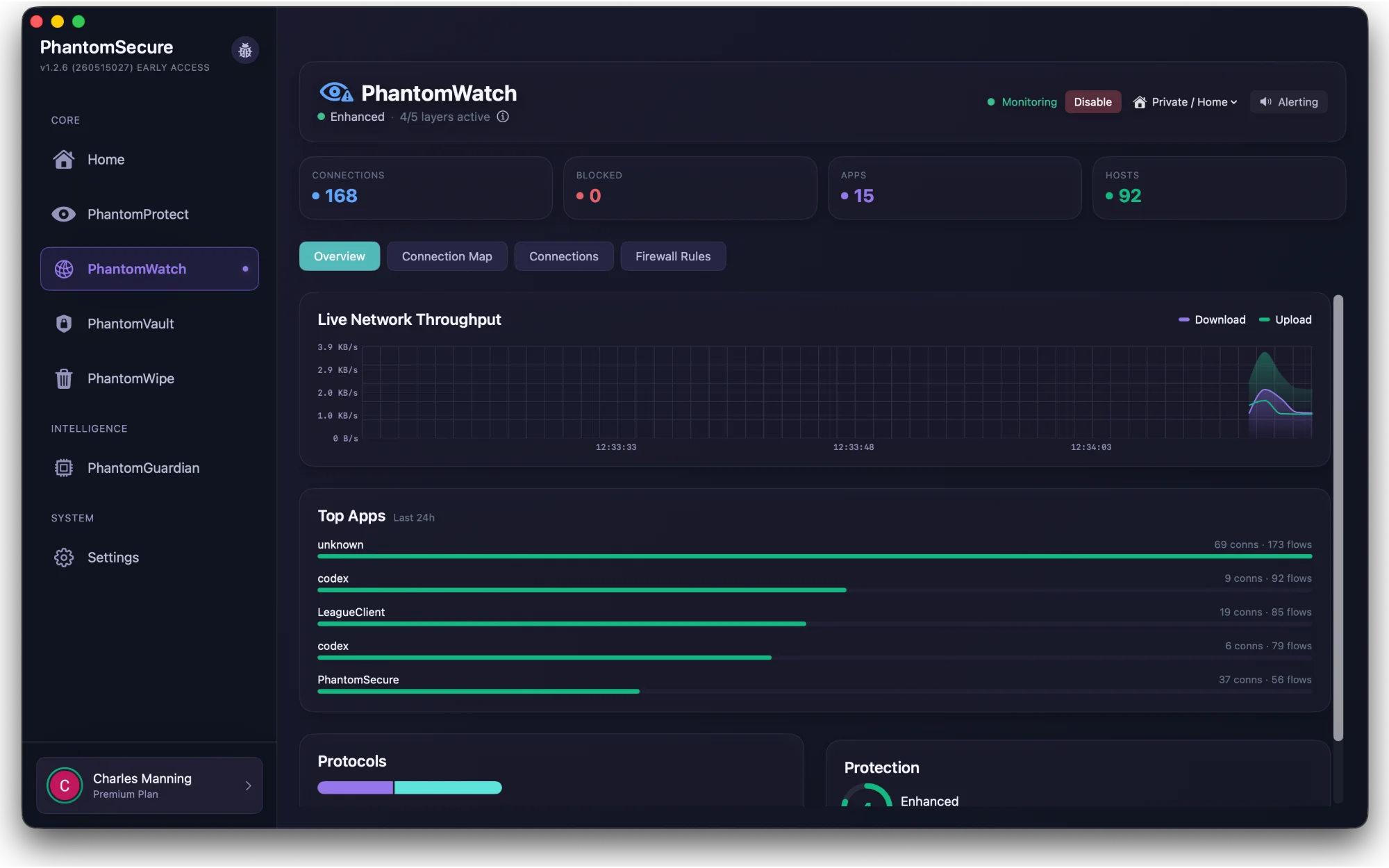
PhantomWatch brings network visibility and manual firewall controls together, so you can understand your apps’ connections and decide which ones to allow.
 View screenshot
App connections
Put connections in context
A list of addresses only tells part of the story. PhantomWatch is being developed to connect network activity with the apps behind it, making it easier to inspect destinations and understand what your Mac is doing.
Manual controls
Choose your own firewall rules
Watch’s development includes manual app and destination rules. These controls let you decide which connections to block.
The app also needs to show when the firewall is enabled and whether its required system extension is running, so visible activity is not mistaken for active enforcement.
Within PhantomSecure
How Watch and Protect fit together
Watch covers connection visibility and the rules you choose. Protect adds automatic threat checks using threat intelligence and local analysis. The dedicated URL Filter belongs to Protect’s planned feature set; it is not a Watch feature and is not currently enabled for public release.
The launch list
Follow PhantomProtect to launch
Get development notes, testing opportunities and an email when access opens. Joining is free.
PhantomProtect is in development. No public release date has been announced.