PhantomVault · Planned after PhantomProtect
Private files with plausible deniability.
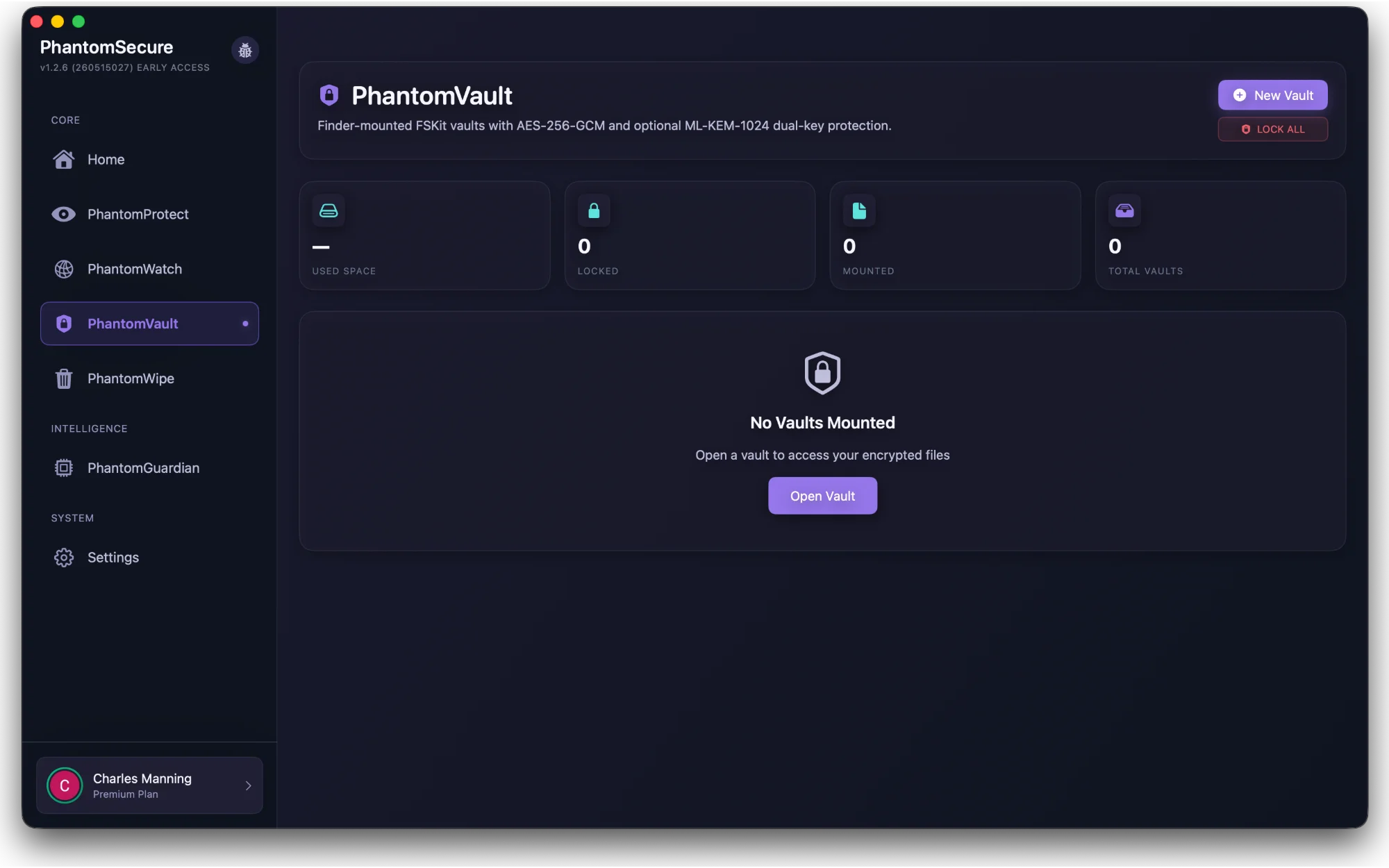
PhantomVault is being developed as a plausibly deniable vault for Mac. Its optional movie carrier holds encrypted files inside a real, playable film, giving the file an ordinary purpose during everyday inspection.
 View screenshot
Your private files
Keep private files together
Personal records, work documents and other sensitive files deserve a place of their own. PhantomVault is being developed around encrypted storage with native Finder access, so you can work with your files through familiar Mac tools.
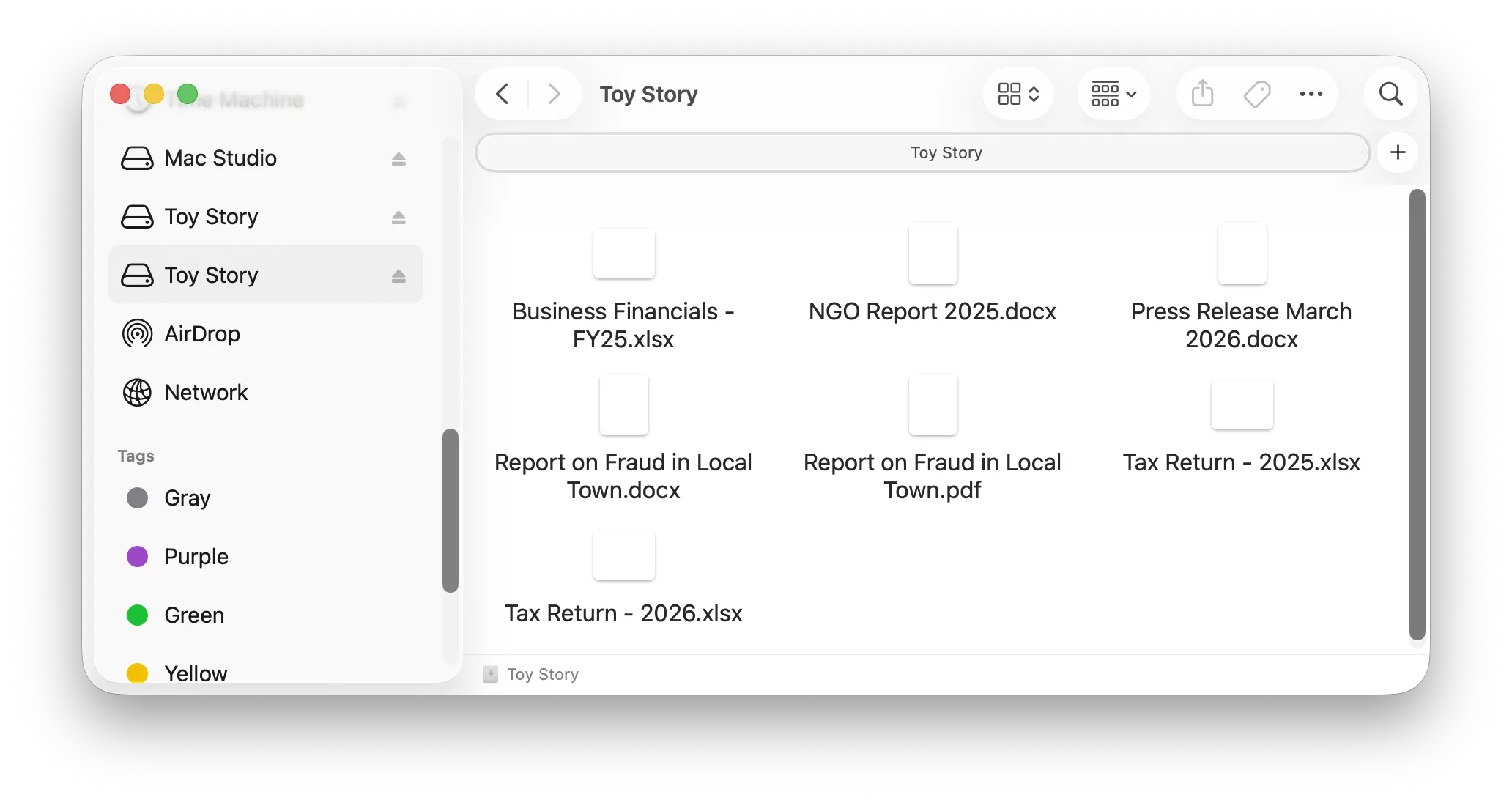
Use your vault for daily work with sensitive documents, or for files you only need occasionally. That could mean reporting notes and NGO records, tax returns, financial statements or copies of identity documents.
The goal is to protect a locked vault’s contents if someone obtains its container. The security of the passphrase, keys and device still matters. An attacker controlling an unlocked Mac may be able to access files while you use them.
Familiar Mac tools
A vault used for daily work
During his NGO work in the Middle East, our founder kept a mail folder inside a hidden volume disguised as an .mp4 file. His mail app found the folder and loaded normally when the volume was unlocked and mounted. When it was locked and unmounted, the app behaved as if it needed to set up a new account.
That experience shapes our goal of supporting daily work inside PhantomVault. We’ll document which apps work with the vault as we test them. Read the founder’s story.
 View screenshot
The movie carrier
How the movie carrier supports plausible deniability
The movie carrier retains a playable video and stores the encrypted vault within the same file. Someone browsing it in Finder can see a movie preview; opening it in a media player plays the film while the vault stays locked. The cover gives a simple explanation for the file’s presence: it is a movie you can watch. PhantomSecure opens the encrypted contents after authentication.
This approach is designed for ordinary inspection. A specialist may still recognize unusual file structure or size, and device records or older copies can reveal further clues. Encryption and key protection safeguard the locked contents if the vault is discovered.
Encryption & keys
Protect the contents and the key
The vault design uses AES-256-GCM to encrypt and authenticate its contents. Optional Dual-Key Protection adds a second protection layer around the vault key using a shared secret established with ML-KEM-1024, a standardized post-quantum mechanism.
These mechanisms have different roles: AES encrypts the content, and ML-KEM helps establish the additional key protection. Their names alone do not establish the security of the complete product. We’ll document the supported modes, recovery behavior and review results before public use.
Planned after PhantomProtect
Release comes after validation
PhantomVault follows PhantomProtect in our release plan. Independent review is required before a public release that people rely on to protect confidential files. Finder integration is being developed for macOS 27, and final device requirements will be published before access opens.
Learn more in our vault encryption article and product guide.
The launch list
Follow PhantomSecure development
Get development notes and hear when PhantomProtect and later modules are ready for testing or launch.
PhantomProtect is in development. No public release date has been announced.