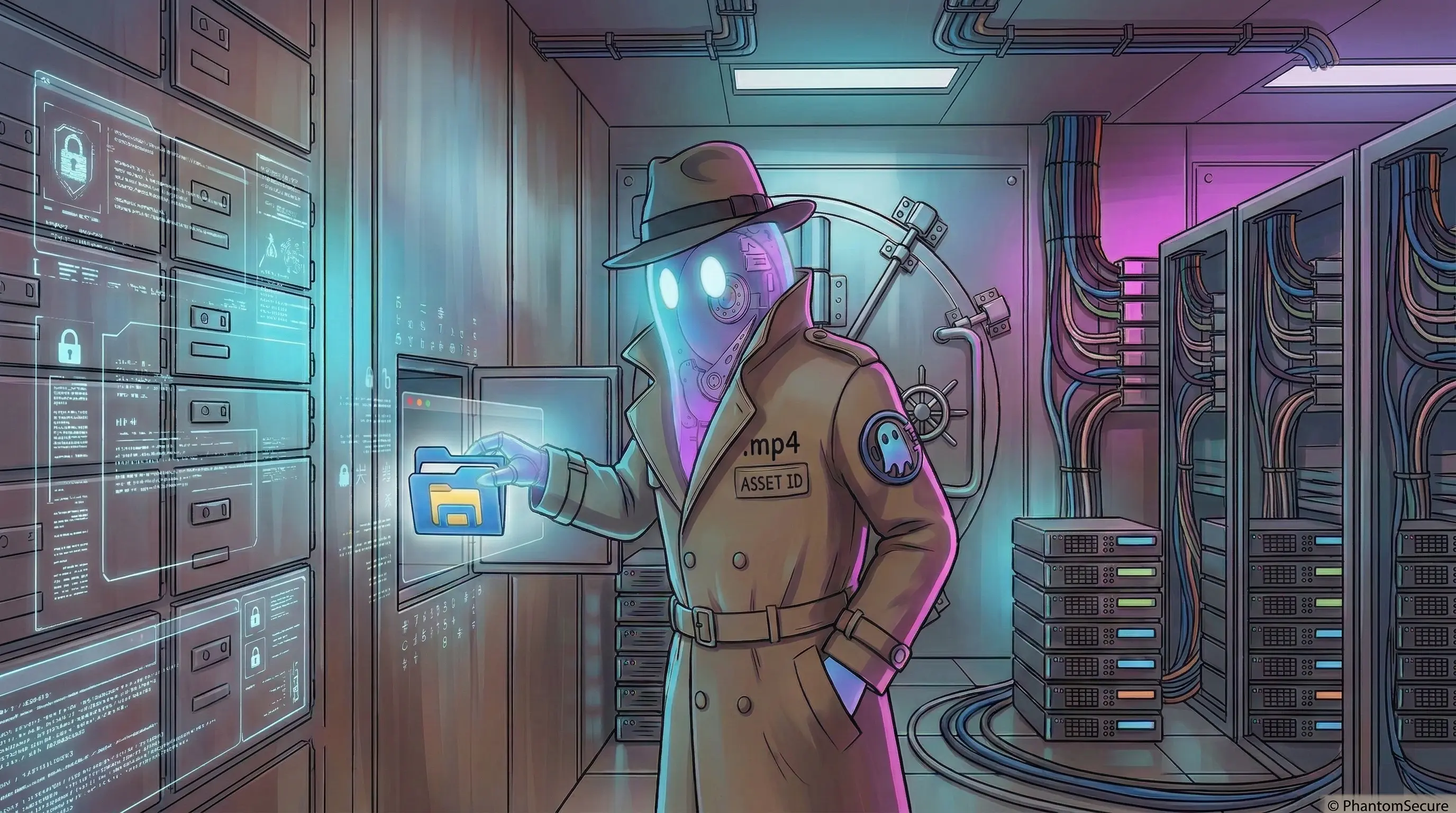
PhantomVault is being developed to combine encrypted private storage with plausible deniability during ordinary inspection. Its optional movie carrier holds private files inside a real, playable film, giving the file a familiar purpose when someone opens it in a media player. This article explains that cover and the encryption that protects the locked contents if the vault is discovered.
PhantomVault remains in development and is planned after PhantomProtect. Its native creation and Finder mounting require an Apple silicon Mac running macOS 27 or later.
A random master key protects the contents. Your passphrase protects access to that key, and you can choose an additional cryptographic key kept on your Mac or in iCloud Keychain. Optional Touch ID offers another way to unlock an enrolled Vault. These layers determine what a copied Vault would require to open and what happens if a credential is lost.
Why selected files can benefit from a separate Vault
Apple’s FileVault protects access to encrypted storage. After the startup volume is unlocked, your session and applications can access files according to their permissions. A separate locked Vault gives selected files their own unlock step before they become available.
Once a Vault is mounted, applications with access can read its files and may create copies outside it. Ejecting the Vault closes the mounted filesystem; it does not erase exports, previews, or application caches. FileVault remains useful alongside this separate boundary.
AES-256-GCM encrypts the Vault contents
Each native Vault starts with a random 256-bit master key. The filesystem derives keys from it to protect content with AES-256-GCM. This form of encryption protects the contents and checks for changes to the encrypted data. Someone who has the file can still damage or delete it, so backups remain important.
The master key is itself stored in encrypted form inside the Vault. Unlocking recovers that key using the credentials you chose. This is where the optional post-quantum protection adds its requirement.
How the passphrase protects the key
PhantomVault processes the passphrase with Argon2id, a method designed to make repeated password guesses consume time and memory. The same passphrase is combined with a different random value for each Vault. A strong, unique passphrase still matters because an attacker can try guesses against a copied file.
A successful passphrase check opens the protected key information. With standard protection, that is enough to recover the master key. With Dual-Key Protection, the selected additional key is required as well.
Optional ML-KEM-1024 protects the master key
NIST’s FIPS 203 standard defines ML-KEM as a mechanism for establishing a shared secret, with ML-KEM-1024 its strongest listed parameter set. PhantomVault uses that shared secret to derive a key that protects the Vault’s master key.
The files continue to use AES-256-GCM. ML-KEM adds a requirement for recovering the master key that opens the Vault. NIST describes ML-KEM as believed secure against quantum adversaries, which supports a specific algorithm choice without establishing the security of an entire product.
Choose where to keep the additional key
The additional key can be kept in one of two places:
- This Mac: the ML-KEM private key operates through the Secure Enclave, with the information needed to use it held in the local Keychain and tied to that Mac. Losing or erasing that Mac can make the Vault inaccessible even when you remember the passphrase.
- iCloud Keychain: the information needed to recreate the ML-KEM private key is synchronized through iCloud Keychain. Another supported Mac needs access to that information and the Vault passphrase.
The iCloud Keychain option synchronizes the information for the additional key. The Vault’s contents and master key stay outside that item. These native Vaults are designed for supported Macs. Optional Touch ID enrollment is a separate choice from where the additional key is kept.
How optional Touch ID unlock works
The current native Vault path supports enrollment after an explicit choice and successful passphrase unlock. It stores the result of processing your passphrase in a Keychain item tied to that Mac and protected by Touch ID. This lets the app repeat the normal unlock checks after a successful fingerprint match.
You can unlock an enrolled Vault without typing its passphrase each time. If you selected Dual-Key Protection, the additional key is still required. Keep the passphrase: it is the manual fallback when biometric access is unavailable, and it cannot compensate for a lost required additional key.
PhantomVault uses Apple’s protection tied to the enrolled fingerprints, which invalidates the enrolled item when fingerprints are added or removed. The app lock, account password and Vault passphrase serve separate purposes.
How a playable movie supports plausible deniability
The movie option keeps a real playable MP4 alongside the encrypted Vault data. The file reserves its full size when created, so adding a document to the Vault can use that reserved space. The native FSKit development update describes the movie and Finder workflow.
The playable film gives the file a credible everyday purpose. Someone viewing its Finder preview or playing the movie sees usable media while the encrypted contents stay locked. This is the basis of the plausible deniability PhantomVault is being developed to provide during ordinary inspection.
A specialist examining the file can still notice an unusual region that the movie does not use. Device history, backups and comparisons with older copies can also reveal clues. Those limits matter when deciding whether the movie carrier suits your situation.
Decoy Vaults that present alternate contents remain planned work and are unavailable in the current native creation path. They need testing for differences that could reveal the hidden contents. PhantomVault also requires external review of its encryption and key handling before its public release for protecting confidential files.