I’m building PhantomSecure to help people protect sensitive work on their Macs. PhantomProtect comes first: security software that brings file analysis, suspicious activity and local AI together while keeping privacy central to the design.
The experience that started PhantomSecure
The first idea came from my time working for an NGO in the Middle East several years ago. I traveled with sensitive documents, and our team used TrueCrypt and VeraCrypt containers disguised as movies. We kept them in our movie folders. Giving those files an ordinary appearance was part of how we protected that work.
We also kept our mail folder inside a hidden volume saved as an .mp4 file and pointed our mail app to that folder. When the volume was locked and unmounted, the app could not find our mail and behaved as if we were setting up a new account. It would not show or download messages. Once we unlocked and mounted the volume, the app found the folder and loaded normally.
That gave the vault a role in our daily work. It held the files our mail app needed, and we opened it when we wanted to use them. That experience is one reason I want PhantomVault to support regular work as well as occasional storage of private files.
That experience stayed with me. Years later, I wanted to build a tool that made encrypted storage feel at home on a Mac. That became PhantomVault, a place for selected private files with a separate unlock step. Its movie carrier keeps a real, playable MP4 and encrypted data in the same file. Someone browsing in Finder can see a movie preview, and opening it in a media player plays the film. A specialist may still notice unusual structure or size.
Our hidden volume is concealed by the playable movie. We’re also developing a decoy volume, building on the privacy goal behind VeraCrypt’s hidden volumes. The aim is to let someone open a different set of files while keeping the hidden volume’s private contents undisclosed. This part of plausible deniability needs testing across the complete system before release. I want PhantomVault to match or improve on the practical privacy that inspired this project.
Deletion raised a related problem. Sensitive files can leave copies in backups and on storage that an app cannot fully inspect. That led to PhantomWipe’s planned workspace, where managed files would be encrypted from the moment they are written and have keys that can be destroyed individually.
Why PhantomProtect comes first
Protecting files also means paying attention to the software that can reach them. A downloaded app, an unexpected script or a connection to a suspicious service can be part of the same event. I want PhantomProtect to bring those clues together and explain why they matter.
Part of that idea came from JARVIS in Avengers: Age of Ultron. What interested me was a system that could notice several things happening at once and help someone understand the situation. For PhantomProtect, that means working with known threat information, file checks, activity on the Mac and local models.
Those methods need testing against specific attacks and ordinary software alike. A warning that interrupts safe work has a cost too. Detection, missed threats, false alarms and performance all need to be part of the results we publish.
Make privacy understandable
Security software can see sensitive files and activity. Keeping analysis on the Mac is one way to reduce how much of that information needs to travel elsewhere. We’re developing PhantomProtect’s local analysis around that choice.
The suite also needs online services for accounts, subscriptions, updates and threat information. Optional contributions to improve threat analysis need clear consent and an explanation of the information involved. Our product and privacy guide brings those details together as the release develops.
Build around the Mac
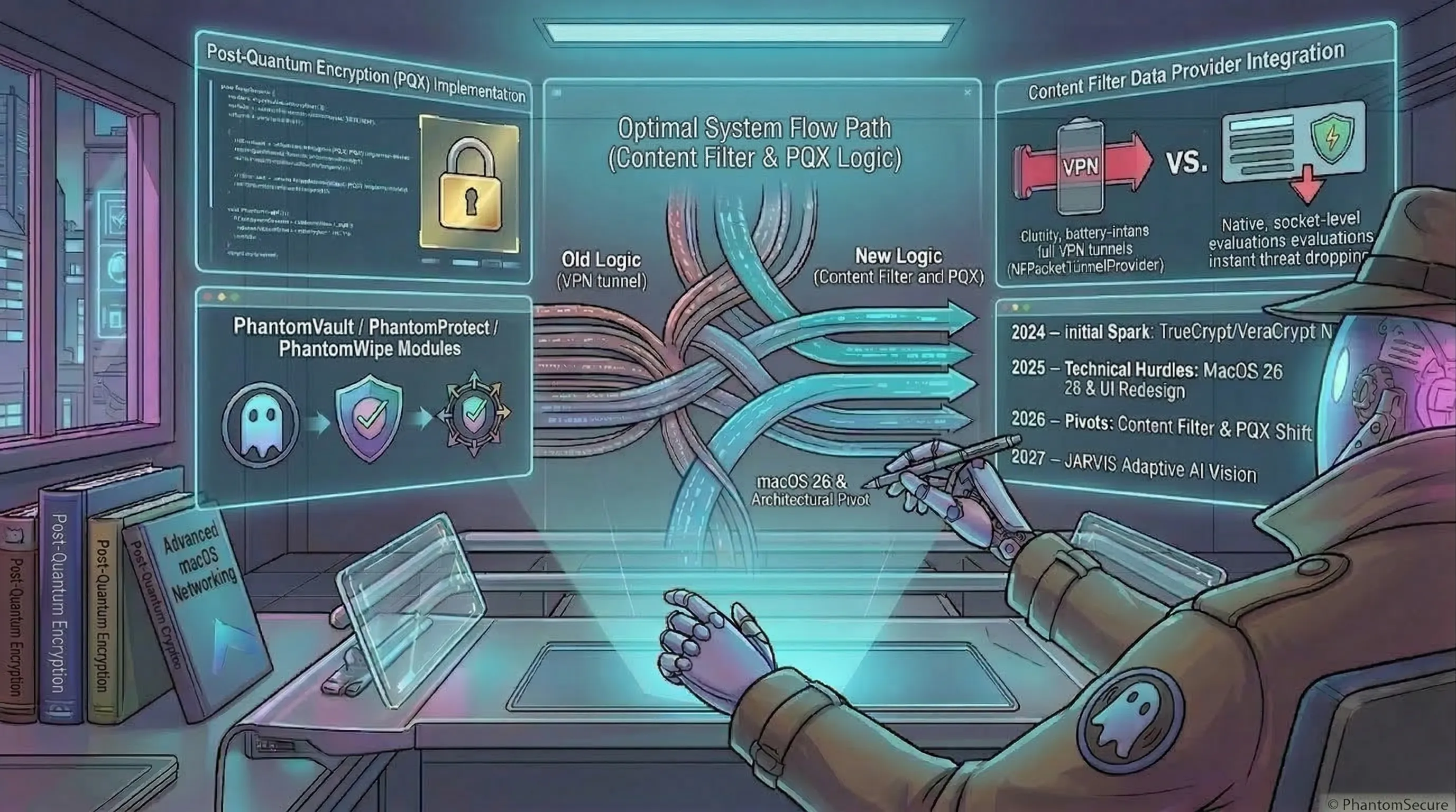
Earlier network prototypes used a local packet tunnel. The current architecture uses Apple’s Network Extension interfaces to observe and filter connections. This gives the product a way to work with the connection information macOS makes available.
PhantomWatch is intended to show where apps connect and let you create manual rules. PhantomProtect adds filtering based on threat information. Its planned URL Filter still needs the relevant Apple approval and production validation before it can be enabled for customers.
These components also need to report their condition clearly. If a permission is missing or an extension stops working, the app should tell you what needs attention. Seeing a green indicator should mean the relevant protection is actually running.
The work ahead
The suite remains in development. PhantomProtect is the first planned release, with PhantomVault to follow and PhantomWipe as future work. I’m focusing on protection behavior, performance, updates and useful explanations so people can understand what the product does before they choose it.
I’ll share that work through these articles and the development roadmap. The goal is to make our decisions and results clear enough that you can judge whether PhantomSecure fits your needs.